Kernsetzer is still in development. These are screenshots of the app as it is today, with a sample book; details will change before the beta. Three steps take a manuscript to a book.
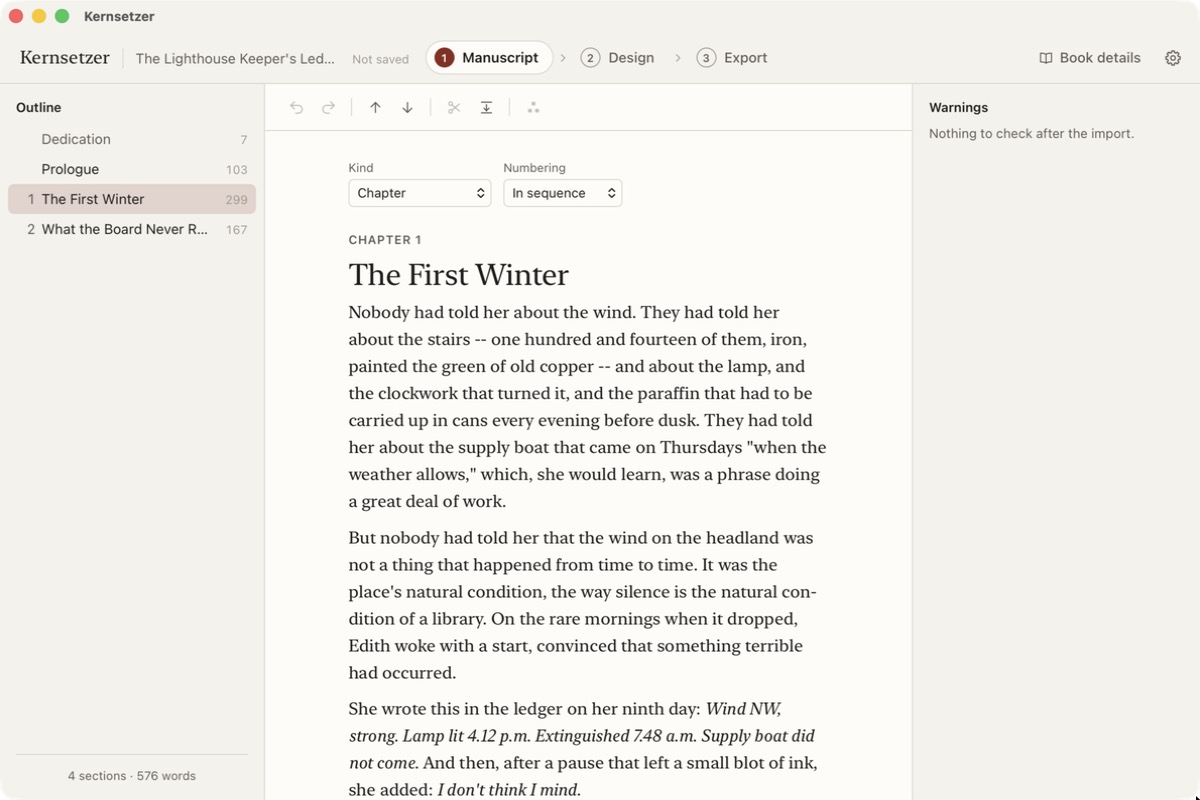
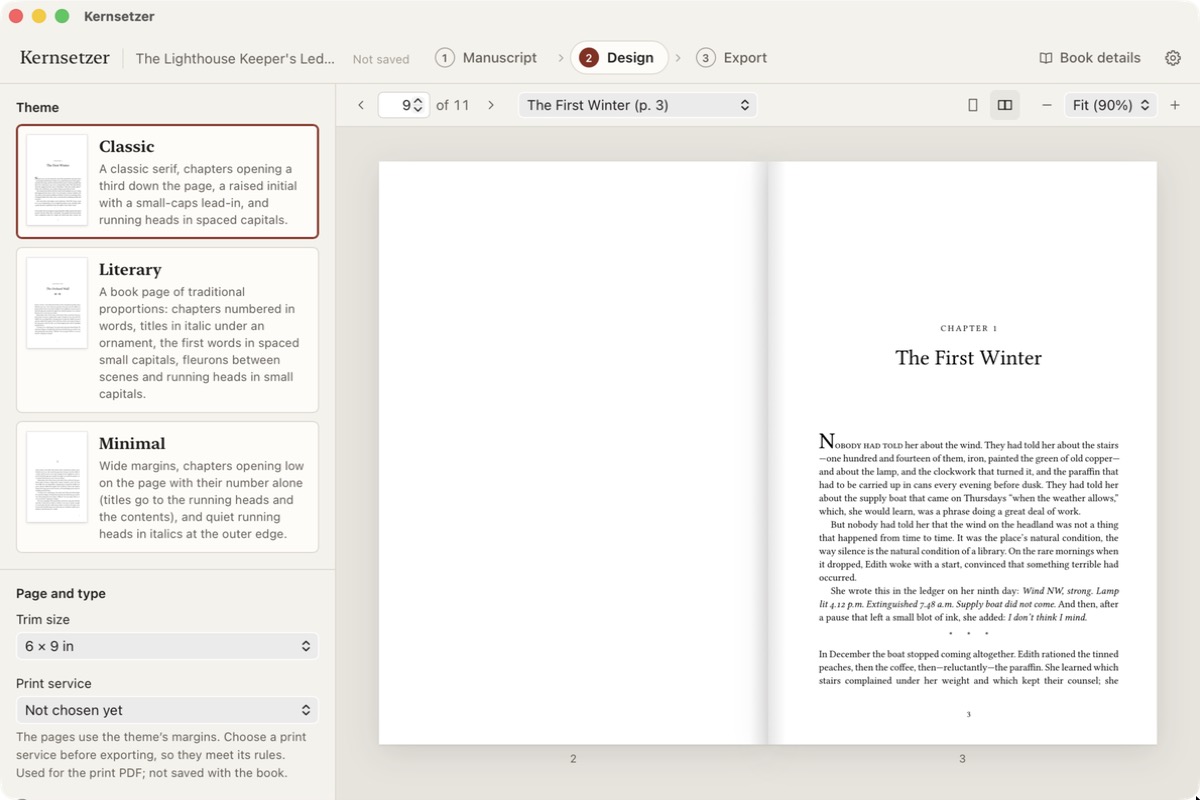
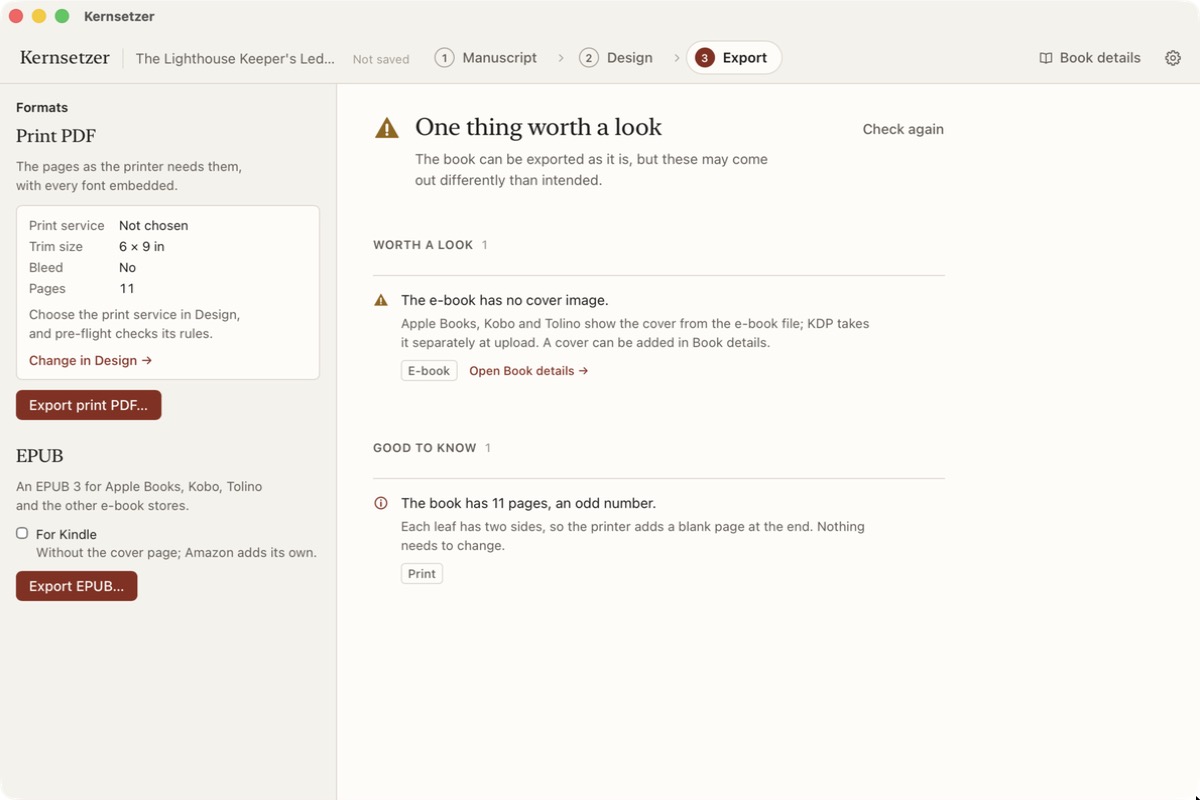
1Manuscript. Import your Word or Markdown file. Kernsetzer splits it into sections and lists them in an outline beside the text.2Design. Pick a theme and a trim size and watch the book as spreads. The opener has a raised initial and small caps.3Export. A print PDF and an EPUB 3 from the same project, after a check that names what deserves a look.